Welcome to your WordPress Dashboard!
The Dashboard is the first place you will come to every time you log into your site. It is where you will find all your WordPress tools. If you need help, just click the “Help” tab above the screen title.
The left-hand navigation menu provides links to all of the WordPress administration screens, with submenu items displayed on hover. You can minimize this menu to a narrow icon strip by clicking on the Collapse Menu arrow at the bottom.
Links in the Toolbar at the top of the screen connect your dashboard and the front end of your site, and provide access to your profile and helpful WordPress information.
You can use the following controls to arrange your Dashboard screen to suit your workflow. This is true on most other administration screens as well.
Screen Options — Use the Screen Options tab to choose which Dashboard boxes to show.
Drag and Drop — To rearrange the boxes, drag and drop by clicking on the title bar of the selected box and releasing when you see a gray dotted-line rectangle appear in the location you want to place the box.
Box Controls — Click the title bar of the box to expand or collapse it. Some boxes added by plugins may have configurable content, and will show a “Configure” link in the title bar if you hover over it.
The boxes on your Dashboard screen are:
Welcome — Shows links for some of the most common tasks when setting up a new site.
Site Health Status — Informs you of any potential issues that should be addressed to improve the performance or security of your website.
At a Glance — Displays a summary of the content on your site and identifies which theme and version of WordPress you are using.
Activity — Shows the upcoming scheduled posts, recently published posts, and the most recent comments on your posts and allows you to moderate them.
Quick Draft — Allows you to create a new post and save it as a draft. Also displays links to the 3 most recent draft posts you've started.
WordPress Events and News — Upcoming events near you as well as the latest news from the official WordPress project and the WordPress Planet.
Hi there! Thanks a lot for choosing ShopLentor to build an outstanding WooCommerce store.
It would be greatly appreciated if you consider giving us a review in WordPress. These reviews help us improve the plugin further and make it easier for other users to decide when exploring ShopLentor!
WP Rocket: The following plugins are not compatible with this plugin and may cause unexpected results:
- LiteSpeed Cache Deactivate
Wordfence has been updated to version 9.0.0. Wordfence 9 brings support for passkeys for all users. A passkey is a password replacement that validates your identity using touch, facial recognition, a device password, or a PIN. They can be used for sign-in as a simple and secure alternative to a password and two-factor credentials. Passkeys can be enabled for administrators or any other role on the Login Security settings page.
Manage Login Security Settings
Dashboard
Author rich content with blocks and patterns
Block patterns are pre-configured block layouts. Use them to get inspired or create new pages in a flash.
Add a new pageStart Customizing
Configure your site’s logo, header, menus, and more in the Customizer.
Open the CustomizerDiscover a new way to build your site.
There is a new kind of WordPress theme, called a block theme, that lets you build the site you’ve always wanted — with blocks and styles.
Learn about block themesRank Math Overview
HasThemes Stories
-
Display your products beautifully with the Product Grid – Modern layout, featuring enhanced styling, better content spacing, multiple layouts, and smoother interactions that make your WooCommerce shop feel faster and more polished.
-
Skyrocket your email lists, get more leads, and increase sales using the ultimate conversion optimization toolkit globally. Unlock ShopLentor’s Popup Builder today!
-
Shopify Style Checkout Page is an effective way for you to create an easy and beautiful checkout process while also providing your customers with the best user experience.
-
This unique Elementor based WooCommerce page builder plugin offers plenty of WooCommerce modules that come to personalize the look and feel of your WooCommerce pages from scratch, while also making your WooCommerce store more user-friendly.
-
Enhance your WooCommerce store with general-purpose Gutenberg blocks that can be used on any page you want.
WP Mail SMTP
Graph Style
Color Scheme
|
|
|
|
We detected 25 failed emails in the last 7 days.
Enable Email Alerts and get instant notifications when they fail.
Wordfence activity in the past week
Top 5 IPs Blocked
| IP | Country | Block Count |
|---|---|---|
138.201.196.61 |
Germany | 1229 |
130.94.40.195 |
Singapore | 606 |
103.253.27.44 |
Singapore | 328 |
178.16.55.109 |
United States | 279 |
103.253.27.34 |
Singapore | 213 |
Top 5 Countries Blocked
| Country | Total IPs Blocked | Block Count |
|---|---|---|
| Singapore | 162 | 1486 |
| Germany | 92 | 1420 |
| United States | 31 | 354 |
| Netherlands | 75 | 253 |
| Canada | 86 | 110 |
Top 5 Failed Logins
| Username | Login Attempts | Existing User |
|---|---|---|
| root | 5 | No |
| web2@cnet.co.cr | 4 | Yes |
| info@cnet.co.cr | 4 | No |
| adminzzz | 3 | No |
| COMERCIAL@cnet.co.cr | 2 | No |
Updates Needed
Plugins
- A new version of the plugin "Akismet Anti-spam: Spam Protection (v5.7.1)" is available.
- A new version of the plugin "Auto Image Attributes From Filename With Bulk Updater (v4.9.1)" is available.
- A new version of the plugin "Essential Blocks (v6.4.2)" is available.
- A new version of the plugin "Lucky Wheel Giveaway (v1.1.2)" is available.
- A new version of the plugin "Modern Image Formats (v2.7.1)" is available.
- A new version of the plugin "Nginx Helper (v2.3.5)" is available.
- A new version of the plugin "Performance Lab (v4.2.0)" is available.
- A new version of the plugin "Rank Math SEO (v1.0.276)" is available.
- A new version of the plugin "SchedulePress (v5.3.3)" is available.
- A new version of the plugin "ShopLentor – All-in-One WooCommerce Growth & Store Enhancement Plugin (v3.4.6)" is available.
- A new version of the plugin "TablePress (v3.3.3)" is available.
- A new version of the plugin "TranslatePress - Multilingual (v3.3.2)" is available.
- A new version of the plugin "WooCommerce (v11.0.1)" is available.
- A new version of the plugin "WP 2FA - Two-factor authentication for WordPress (v4.1.0)" is available.
- A new version of the plugin "WPS Hide Login (v1.9.19)" is available.
- A new version of the plugin "Slider Revolution (v6.7.58)" is available.
- A new version of the plugin "Perfect Images (Pro) (v7.1.8)" is available.
- A new version of the plugin "Advanced Custom Fields PRO (v6.8.7)" is available.
- A new version of the plugin "Essential Addons for Elementor - Pro (v7.0.3)" is available.
- A new version of the plugin "Elementor Pro (v4.2.1)" is available.
- A new version of the plugin "Readabler (v2.0.18)" is available.
Themes
- A new version of the theme "Bluehost Blueprint (v1.0.2)" is available.
- A new version of the theme "Twenty Twenty-Five (v1.5)" is available.
SEO Check
ThinkRank's AI reviews your titles, meta, schema and readability, then shows the quick wins. See how your pages score.
Scheduled Posts
Recommended
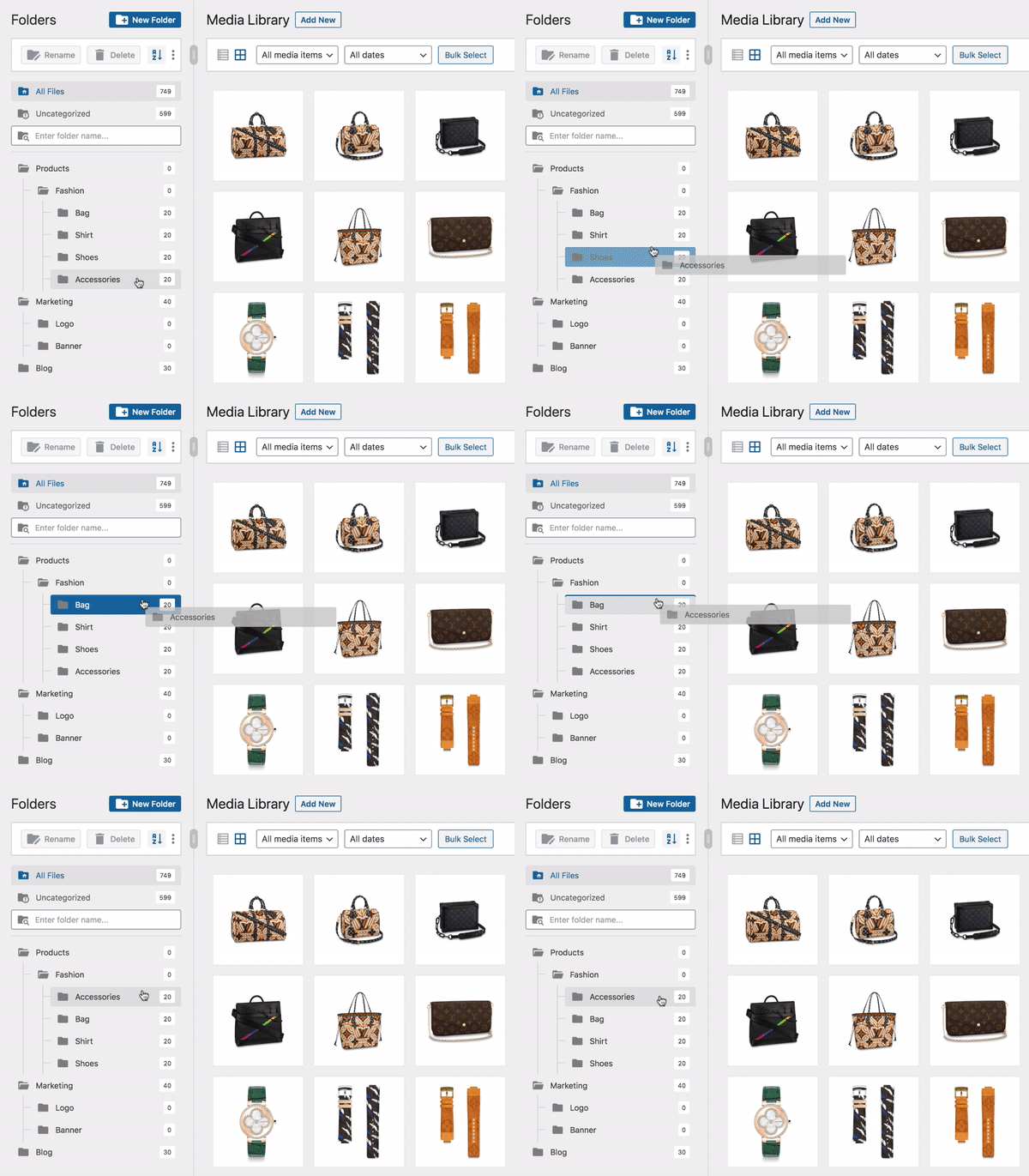
Your WordPress media library is messy?
Start using FileBird to organize your files into folders by drag and drop.
Quick Draft Your Recent Drafts
Elementor Overview
Recently Edited
- Elementor #11933 Jul 24th, 11:56 am
- Blog Jul 23rd, 10:42 am
- Los tres miedos que frenan la adopción tecnológica Jul 20th, 10:20 am
News & Updates
-
NEW
Introducing Angie: Agentic AI for WordPress
Meet Angie, agentic AI purpose-built for WordPress. Angie understands your site, connects to your tools, and takes real actions on your behalf. Its first capability, Angie Code, lets you describe any WordPress feature you can imagine and have it built for you in minutes. Production-ready, fully integrated with your site, and safe to test before it ever goes live.
-
NEW
The atomic foundation of version 4 is ready for real sites!
The alpha phase is complete. Version 4 is now in beta, and the atomic foundation is ready to be used on real sites! This is the final step before the official release of version 4.0, activating the new features automatically on new sites, and becoming the default editing experience in Elementor.
-
NEW
Introducing Elementor 3.33: Variables Manager, Custom CSS, Blend Modes, & more!
Elementor 3.33 builds on the foundation of Editor V4, continuing our mission to create a faster, more scalable, and more intuitive design experience for Web Creators. With the addition of the Variables Manager, element-level Custom CSS, Background Clipping, and Blend Modes, designers have more creative precision and consistency than ever.
WPForms
Activity
Recently Published
- Mar 31st, 12:14 pm Tendencias digitales para este año
WordPress Events and News
This widget requires JavaScript.
An error occurred. Please try again.
Loading…
This widget requires JavaScript.
Meetups (opens in a new tab) | WordCamps (opens in a new tab) | News (opens in a new tab)
At a Glance
WordPress 7.0.4 running Hello Elementor Child 02 theme.
WooCommerce Setup
Site Health Status
Site health checks will automatically run periodically to gather information about your site. You can also visit the Site Health screen to gather information about your site now.